10 Powerful AI Tools to Speed Up Your Canva Design Workflow in 2026
The era of manual, pixel-by-pixel adjustments is officially over. As we move through 2026, the distinction between a “graphic designer” and a “creative director” has blurred, thanks to the massive integration of generative AI into our daily tools. For those using Canva, the platform has evolved from a simple drag-and-drop editor into a comprehensive AI-driven Creative Operating System.
If you are still creating social media posts, presentations, or brand assets the “old way,” you are leaving hours of productivity on the table. With the launch of Visual Suite 2.0, Canva has introduced tools that don’t just assist—they automate.
In this guide, we will explore the 10 most powerful AI tools within Canva’s Magic Studio that will help you design faster, smarter, and with a level of precision that was once reserved for specialized software.
1. Dream Lab (Powered by Leonardo.Ai)
One of the most significant shifts in 2026 is the full integration of Dream Lab. Following Canva’s acquisition of Leonardo.Ai, Dream Lab has replaced the basic “Text to Image” tool with a professional-grade generative engine.
Why it’s a Game Changer
Dream Lab allows you to generate high-fidelity, photorealistic images that rival high-end stock photography. Unlike older models, it excels at complex lighting, specific textures (like “brushed gold” or “cyberpunk neon”), and—crucially—human anatomy.
- Workflow Hack: Use the “Reference Image” feature. Upload a photo with a color palette or composition you love, and ask Dream Lab to generate a new image that follows that specific aesthetic.
2. Magic Design for Video
Video content is the king of 2026. However, editing clips to match audio beats is a notorious time-sink. Magic Design for Video uses AI to analyze your uploaded clips and images, automatically selecting the best moments and syncing them to a music track using Beat Sync.
How it Speeds Up Your Workflow
Instead of spending hours on a timeline, you simply:
- Upload your raw footage.
- Describe the vibe (e.g., “An energetic behind-the-scenes recap for Instagram”).
- Let the AI trim, transition, and add text overlays in seconds.
For more on the impact of video AI, check out Google’s Veo model to see how far natively generated video has come this year.
3. Magic Expand & Magic Grab
These two tools are the “Dynamic Duo” of image manipulation.
- Magic Grab: Imagine being able to click on a person in a flat JPG image and move them three inches to the left. Magic Grab separates the subject from the background, making any photo feel like an editable template.
- Magic Expand: Did you take a vertical photo that needs to be a horizontal YouTube thumbnail? Magic Expand uses AI to “un-crop” the image, generating the missing scenery outside the frame.
4. Canva Code
New for 2026, Canva Code is the ultimate bridge for creators who need interactive elements. You no longer need to export designs to third-party tools to create interactive buttons, hover effects, or simple web widgets.
Practical Application
By typing a prompt like “Create an interactive pricing toggle for my website design,” Canva Code generates the necessary backend logic and visual states instantly. This allows you to build high-converting landing pages directly within the Canva ecosystem.
5. Magic Studio at Scale (Bulk Create 2.0)
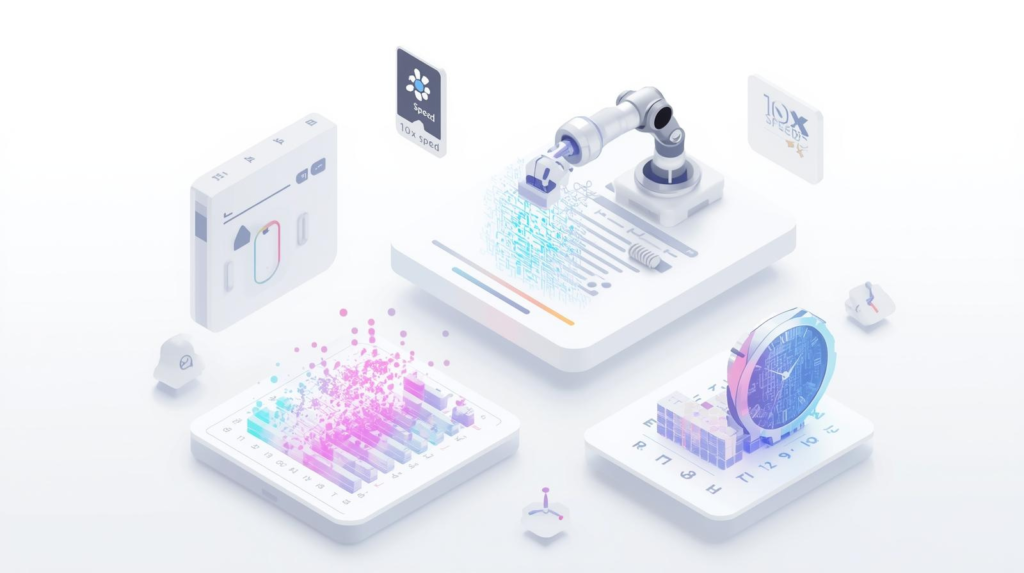
In 2026, the need for personalized content is at an all-time high. Magic Studio at Scale allows you to connect a Canva Sheet (or a CSV) to a single design and generate hundreds of variations in one click.
Note: This is particularly effective for LinkedIn carousels or Pinterest pins where you have the data in a spreadsheet but need 50 unique branded visuals.
6. Magic Morph
Typography and iconography have been revolutionized by Magic Morph. This tool allows you to transform any text or shape into a 3D texture based on a prompt.
- Prompt Example: “Transform this font into inflated red chrome balloons.”
- Speed Benefit: You no longer need to search for 3D assets in the elements library. You create the exact asset you need from scratch in seconds.
7. Magic Charts & Data Visualization
If you work in marketing or corporate communications, you know the pain of updating charts. In 2026, Magic Charts (integrated with Flourish) allows you to:
- Highlight raw data in a Canva Sheet.
- Ask the AI to “Recommend the best visualization for this trend.”
- Automatically generate an interactive, animated chart that fits your brand colors.
8. Magic Write with Brand Voice
We have previously discussed how to use AI to write blog posts, but within the Canva editor, Magic Write serves as your real-time editor. By 2026, its “Brand Voice” feature has become incredibly sophisticated.
It doesn’t just check for grammar; it scans your design’s existing Brand Kit and ensures the tone of your captions matches your established identity. This eliminates the “back-and-forth” with copy editors for small social media updates.
9. Magic Animate 2.0
Animations used to require a deep understanding of keyframes. Magic Animate analyzes the elements on your page and applies a cinematic animation style that makes sense for the content.
The “Pro” Workflow
Instead of animating every icon individually, select the entire page and click “Magic Animate.” The AI will recognize the hierarchy—making the headline enter first, followed by the supporting imagery—creating a professional motion graphic in one tap.
10. AI-Powered Magic Switch
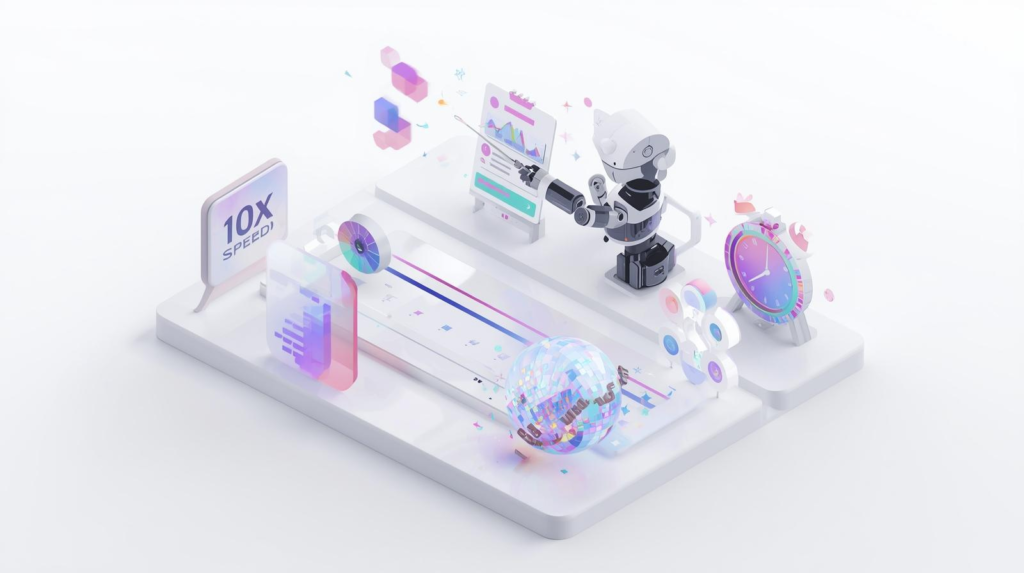
One of the most tedious tasks for designers is resizing a single campaign for ten different platforms. Magic Switch has evolved to do more than just change dimensions. In 2026, it:
- Translates: Automatically converts text into 100+ languages while maintaining layout.
- Reformats: Turns a Presentation into a Blog Post, or a Video into a series of Instagram Stories, intelligently rearranging elements so they don’t look “squashed.”
Comparison of Manual vs. AI Workflow in Canva
| Task | Manual Method (Pre-2026) | AI Workflow (2026) | Time Saved |
| Removing Backgrounds | Pen tool/Manual masking | 1-Click Background Remover | 95% |
| Resizing for Social | Manual copy/paste & layout fix | Magic Switch (Auto-layout) | 80% |
| Finding Stock Images | Searching libraries for 20 mins | Dream Lab (Text-to-Image) | 70% |
| Data Visualization | Building charts in Excel/Importing | Magic Charts (Prompt-to-Chart) | 60% |
Conclusion: The New Standard of Creativity
The AI tools in Canva aren’t here to replace the designer; they are here to remove the “grunt work.” By mastering tools like Dream Lab, Magic Switch, and Canva Code, you can focus on the strategy and storytelling of your brand rather than the technical friction of the software.
As we look toward the future of visual communication, speed is no longer just a luxury—it is a competitive necessity. Those who embrace the AI-powered Canva workflow will be able to produce 10x the content at 2x the quality.
Ready to level up your design game?
Would you like me to draft a custom “Prompt Guide” for Dream Lab tailored to your specific brand aesthetic, or perhaps help you set up a Bulk Create workflow for your next social media campaign?
Call-to-Action
Don’t get left behind in the AI revolution! Join our “Design Mastery” community to get weekly updates on the latest Canva AI features and exclusive access to our 2026 Design DNA templates. [Subscribe Now for Expert Insights.]