How to Use AI + Canva to Write Blog Posts That Actually Rank in Google
Introduction: Why AI + Canva Is a Game-Changer for Bloggers
In 2026, blogging is no longer just about writing good content — it’s about working smart. With millions of blog posts published every day, competition is higher than ever. If you want your blog posts to actually rank on Google, attract organic traffic, and generate income, you need the right tools and strategy.
That’s where AI + Canva becomes a powerful combination.
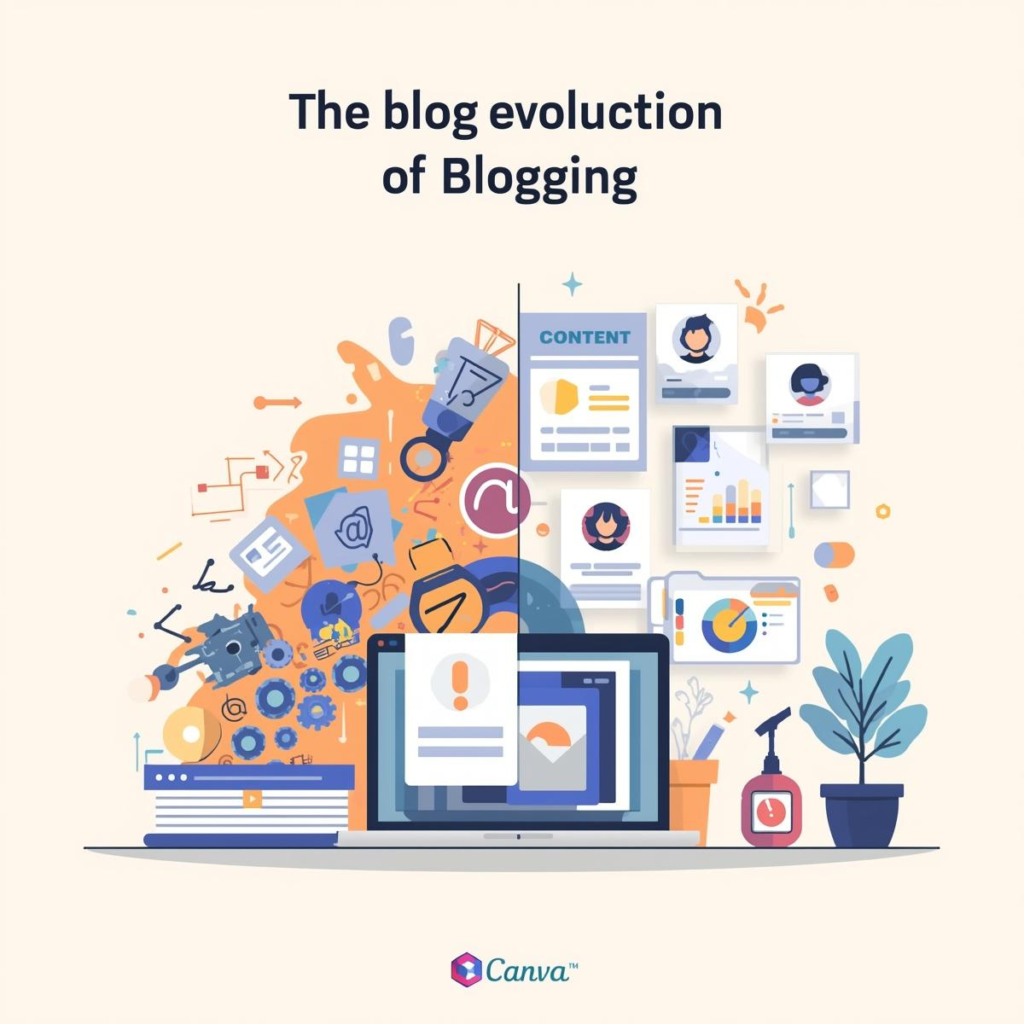
AI tools like ChatGPT help you research, plan, and write faster. Canva helps you design professional visuals, structure content beautifully, and improve user experience — which is a key ranking factor in SEO.
In this complete guide, you’ll learn step-by-step how to use AI and Canva together to create blog posts that are:
- SEO optimized
- Visually engaging
- High-quality and helpful
- More likely to rank on Google
- Perfect for monetization (AdSense, affiliate, products)
Whether you’re a beginner blogger or a digital product creator, this method can transform your content strategy.
How Google Actually Ranks Blog Posts (Simple Explanation)
Before using AI and Canva, you must understand what Google really wants.
Google’s goal is simple:
👉 Show the most helpful, trustworthy, and relevant content to users.
According to Google Search Central, quality content should demonstrate Experience, Expertise, Authoritativeness, and Trustworthiness (E-E-A-T).
You can read more here: https://developers.google.com/search/docs/fundamentals/creating-helpful-content
This means your blog post should:
- Solve a real problem
- Be well-structured and easy to read
- Include helpful visuals
- Use keywords naturally
- Provide real value (not just AI-generated fluff)
AI and Canva help you achieve all of this when used correctly.
Step 1: Use AI to Find Blog Topics That Can Rank

The biggest mistake beginners make is writing random topics. Ranking starts with smart topic selection.
How to use AI for topic research
You can ask AI prompts like:
- “Give me 20 low-competition blog ideas in the niche of online earning”
- “Suggest SEO-friendly blog topics for Canva users”
- “Find trending blog topics people are searching on Google about AI tools”
AI can generate hundreds of ideas within seconds. But don’t stop there.
Validate topics with real SEO tools
To improve your chances of ranking, combine AI ideas with keyword tools such as:
- Google Trends – https://trends.google.com
- Ubersuggest – https://neilpatel.com/ubersuggest
- Ahrefs Blog for SEO learning – https://ahrefs.com/blog
Look for keywords with:
- Decent search volume
- Low to medium competition
- Clear user intent (informational, commercial, etc.)
This combination of AI creativity + SEO validation creates strong blog foundations.
Step 2: Use AI to Create a Perfect SEO Blog Outline
Once you select a topic, don’t start writing immediately. First, build a strong structure.
You can prompt AI like:
“Create a detailed SEO-optimized blog outline with H1, H2, and H3 headings for the topic: How to use AI and Canva for blogging.”
A good outline improves:
- Readability
- SEO structure
- Time on page
- User experience
Google loves well-structured content.
Example of good structure
- One clear H1 title
- Multiple H2 sections
- Supporting H3 sub-sections
- Logical flow from introduction to conclusion
This article you are reading follows the same SEO structure.
Step 3: Use AI to Write High-Quality Content (Not Just Copy-Paste)

AI can write full articles in minutes — but raw AI content often lacks depth, personality, and originality. To rank on Google, you must use AI as a writing assistant, not a replacement for your brain.
Smart way to use AI for writing
Instead of saying:
“Write a 2000-word article on SEO”
Use smarter prompts like:
- “Write a detailed introduction for a blog about AI and Canva for SEO beginners”
- “Explain on-page SEO in simple language with examples”
- “Expand this section with practical tips and actionable advice”
Then:
- Edit the content in your voice
- Add personal examples
- Improve clarity
- Remove repetition
This approach creates human-quality content powered by AI.
Step 4: Use Canva to Improve User Experience (Big SEO Advantage)
Most bloggers focus only on text. But smart bloggers use visuals strategically — and that’s where Canva gives you a massive advantage.
Google doesn’t just rank words; it also measures user behavior such as:
- Time spent on page
- Bounce rate
- Engagement
- Scroll depth
Beautiful visuals keep users engaged longer.
How to use Canva inside your blog posts
You can create:
- Featured images
- Section banners
- Infographics
- Step-by-step visual guides
- Pinterest-style blog graphics
- Content summaries
For example, instead of writing a boring list like:
“Steps to optimize SEO: keyword research, content writing, optimization…”
You can design a clean infographic in Canva that visually shows the process. This increases user engagement and shareability.
You can also explore Canva’s official design tips here:canva
Step 5: Optimize On-Page SEO Using AI Assistance
On-page SEO is critical for ranking. The good news? AI can help you optimize everything.
Use AI to optimize:
- SEO title
- Meta description
- Headings
- Keyword placement
- Image alt text
- Internal linking ideas
You can use prompts like:
- “Optimize this blog for SEO with better headings and keyword placement”
- “Generate an SEO-friendly meta description under 160 characters”
- “Suggest internal linking opportunities for this article”
This saves hours of manual SEO work.
Internal Linking Strategy (Important for SEO)
Internal links help Google understand your website structure and keep users on your site longer.
You should link this article to other relevant content on your blog, for example:
- Read also: How to Create High-Converting Canva Designs for Social Media
(https://yourwebsite.com/canva-design-tips) - You may like: Best AI Tools for Content Creators in 2026
(https://yourwebsite.com/best-ai-tools) - Related guide: How to Monetize a Blog with Google AdSense
(https://yourwebsite.com/blog-monetization-guide)
Replace these URLs with your real blog links.
External Links to Authority Sites (Boosts Trust)
Linking to trusted sources increases your content credibility. Good examples include:
- Google Search Central – https://developers.google.com/search
- Ahrefs SEO Blog – https://ahrefs.com/blog
- HubSpot Marketing Blog – https://blog.hubspot.com
Search engines see this as a sign of high-quality, well-researched content.
Step 6: Create SEO-Friendly Blog Graphics with Canva
Let’s be practical. Here are specific visuals you should create for every blog post using Canva:
1. Featured Image
Your main blog thumbnail for homepage, social sharing, and SEO.
2. Section Headers
Design small banners for H2 sections like:
- “Step 1: Keyword Research”
- “Common Mistakes”
- “Pro Tips”
3. Infographics
Turn complex topics into visual summaries. These often get backlinks and shares.
4. Pinterest Graphics
Pinterest is a powerful traffic source. Create vertical Canva pins for each blog post.
These visuals make your content look premium and professional.
Step 7: Use AI + Canva for Content Repurposing (More Traffic)
One blog post can generate traffic from multiple platforms if you repurpose it smartly.
With AI + Canva, you can turn one blog into:
- Instagram carousel posts
- LinkedIn posts
- Facebook content
- Pinterest pins
- Short scripts for reels
- Email newsletter content
This increases:
- Reach
- Traffic
- Backlinks
- Authority
More visibility = stronger SEO over time.
Common Mistakes to Avoid When Using AI for Blogging
AI is powerful, but misuse can hurt your rankings.
Avoid these mistakes:
- Publishing raw AI content without editing
- Keyword stuffing
- Writing generic content with no originality
- Ignoring user intent
- Not adding visuals
- Forgetting internal links
Google’s helpful content system rewards value, not automation.
Use AI as your assistant, not your replacement.
Realistic Workflow: AI + Canva Blogging System
Here’s a simple repeatable system you can use for every blog post:
- Use AI to generate topic ideas
- Validate keyword with SEO tools
- Use AI to create outline
- Write section-by-section using AI assistance
- Edit in your own voice
- Design featured image and graphics in Canva
- Optimize SEO (title, meta, headings)
- Add internal and external links
- Publish and promote on social media
This is exactly how professional content teams work today.
Why This Strategy Works for Long-Term Blog Growth
This method is powerful because it combines:
- AI speed
- Human creativity
- Canva visuals
- SEO best practices
Instead of spending 10 hours per article, you can now create high-quality, SEO-optimized content in 2–3 hours.
Over time, this allows you to:
- Publish more consistently
- Build topical authority
- Grow organic traffic
- Monetize faster
Consistency + quality always wins in SEO.
Final Thoughts: AI + Canva Is the Future of Blogging
Blogging is not dead. Low-quality blogging is dead.
If you use AI wisely and Canva creatively, you can produce content that is:
- Helpful to readers
- Loved by Google
- Beautiful to look at
- Powerful for business growth
The bloggers who succeed in 2026 and beyond are not the ones who work harder — but the ones who work smarter with the right tools.
You already have those tools. Now it’s time to use them strategically.
Call to Action (CTA)
If you found this guide helpful, start today:
- Pick one blog topic
- Use AI to create the outline
- Design your featured image in Canva
- Publish your optimized post
And if you want more premium resources, prompts, templates, and guides for digital creators, visit your blog regularly and start building your online income step by step.
Your growth starts with your next post.