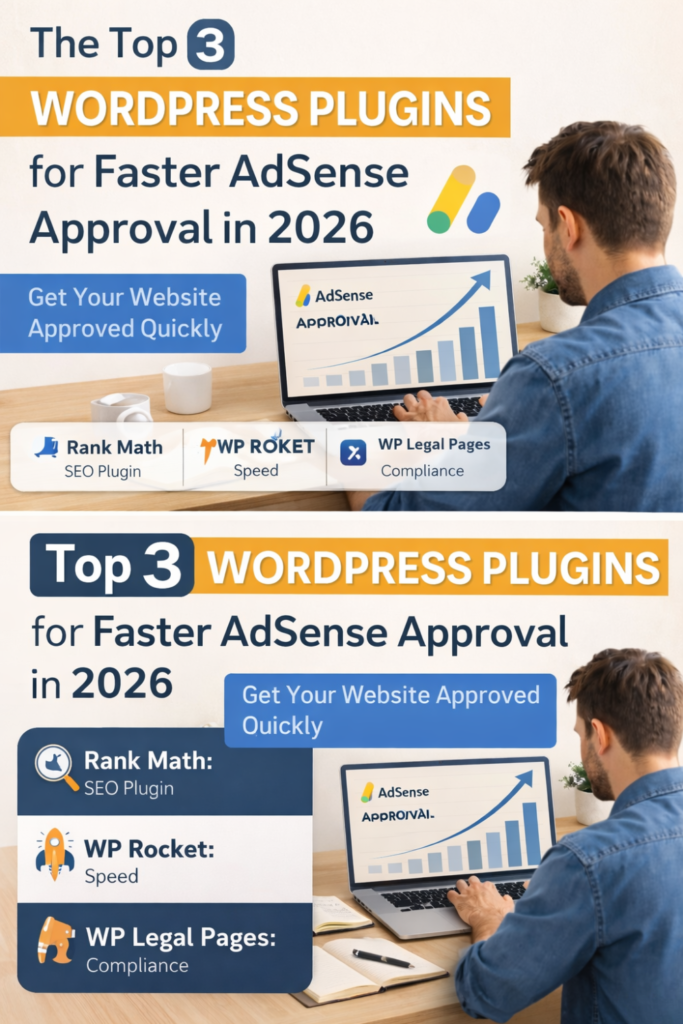
The Top 3 WordPress Plugins for Faster AdSense Approval in 2026 (Complete Guide)
1. Introduction
Getting approved by Google AdSense in 2026 is not as easy as it used to be. Google has become stricter with its policies, focusing heavily on content quality, user experience, and website performance.
Many beginners create a blog, write a few posts, and apply for AdSense—only to face rejection. The most common reasons include slow websites, missing legal pages, poor SEO, and bad user experience.
Here’s the good news:
You don’t need to be a developer or expert to fix these issues.
With the right WordPress plugins, you can:
- Improve your site speed
- Optimize your content for SEO
- Add required legal pages
- Enhance user experience
In this guide, you’ll discover the top 3 WordPress plugins that can significantly increase your chances of getting AdSense approval faster in 2026.
2. Why AdSense Approval Gets Rejected
Before we jump into plugins, it’s important to understand why most websites get rejected.
2.1 Thin or Low-Quality Content
Google prefers original, helpful, and in-depth content. Short or copied articles are rejected quickly.
2.2 Poor Website Design
A cluttered or outdated design creates a bad user experience.
2.3 Slow Website Speed
If your site takes more than 3 seconds to load, users leave—and Google notices.
2.4 Missing Important Pages
AdSense requires:
- Privacy Policy
- About Us
- Contact Page
- Disclaimer
2.5 Bad Navigation
Users should easily find content on your website.
3. How WordPress Plugins Help in AdSense Approval
WordPress plugins are powerful tools that simplify complex tasks.
Here’s how they help:
- SEO optimization → Helps your content rank better
- Speed improvement → Reduces loading time
- Legal compliance → Adds required pages
- Better UX → Improves navigation and layout
Instead of doing everything manually, plugins automate these tasks and save time.
4. Top 3 WordPress Plugins for Faster AdSense Approval
4.1 Rank Math SEO Plugin
Rank Math is one of the most powerful SEO plugins available today.
Key Features
- On-page SEO analysis
- Keyword optimization
- Meta title & description control
- Schema markup
- XML sitemap
How It Helps with AdSense Approval
Google wants high-quality, well-structured content. Rank Math ensures your articles are:
- SEO-friendly
- Properly formatted
- Easy to read
This improves your chances of approval significantly.
Quick Setup Tips
- Add your focus keyword
- Optimize title and description
- Use green SEO score as a guide
- Enable sitemap
4.2 WP Rocket (Speed Optimization Plugin)
WP Rocket is a premium plugin designed to make your website fast.
Why Speed Matters
A fast website:
- Improves user experience
- Reduces bounce rate
- Increases trust
Google prefers fast-loading sites for AdSense approval.
Key Features
- Page caching
- Lazy loading images
- Minification of CSS & JavaScript
- Database optimization
How It Helps
With WP Rocket, your site can load in under 2 seconds, which is ideal for approval.
Alternative (Free Option)
- LiteSpeed Cache
4.3 WP Legal Pages (Compliance Plugin)
WP Legal Pages is essential for creating legal pages.
Why Legal Pages Matter
Google requires transparency. Without legal pages, your site will likely be rejected.
Key Pages You Need
- Privacy Policy
- Terms & Conditions
- Disclaimer
- Contact Page
Features
- Pre-built templates
- Easy customization
- Quick setup
How It Helps
This plugin ensures your site meets AdSense policies, increasing approval chances.
5. Bonus Plugins (Optional but Powerful)
These plugins are not mandatory but can boost your site quality:
Elementor (Design)
Elementor
- Create professional layouts
- Improve visual appeal
Akismet (Spam Protection)
Akismet
- Protect comments
- Keep your site clean
6. Step-by-Step Setup for AdSense Approval
Follow this simple process:
Step 1: Set Up WordPress
- Choose reliable hosting
- Install a fast theme
Step 2: Install Essential Plugins
- Rank Math
- WP Rocket
- WP Legal Pages
Step 3: Create Quality Content
Write at least 10–15 high-quality articles:
- 800–1500 words each
- Original and helpful
Step 4: Add Important Pages
- About
- Contact
- Privacy Policy
- Disclaimer
Step 5: Optimize Speed
- Compress images
- Enable caching
Step 6: Improve Navigation
- Use clear menus
- Add categories
Step 7: Apply for AdSense
Once your site is ready, apply via Google AdSense.
7. Common Mistakes to Avoid
Avoid these if you want faster approval:
Copy-paste content
Too many ads before approval
Poor mobile design
Slow website
Using too many plugins
8. Pro Tips to Get Approved Faster
Focus on a Niche
Example:
- Tech
- Education
- Finance
Write Helpful Content
Answer real questions users search for.
Use Simple Design
Clean, minimal layout works best.
Be Consistent
Post regularly.
Check Mobile Version
Most users are on mobile.
9. Conclusion
Getting AdSense approval in 2026 is not about luck—it’s about preparation.
By using the right tools like:
- Rank Math
- WP Rocket
- WP Legal Pages
You can:
- Improve your site quality
- Meet Google’s requirements
- Get approved faster
Start today. Set up your website properly, create valuable content, and apply with confidence.
10. FAQs
Q1. How many posts are required for AdSense approval?
At least 10–15 high-quality posts are recommended.
Q2. Can I get AdSense approval with a free theme?
Yes, as long as the theme is fast and responsive.
Q3. How long does AdSense approval take?
It usually takes 1–14 days.
Q4. Is SEO important for AdSense approval?
Yes, SEO helps improve content quality and visibility.
Q5. Can beginners get AdSense approval?
Absolutely. With the right setup and content, anyone can get approved.